Food scanner says "product not found"? What to do
Barcode scanners look products up in a database, and no database has everything, especially new, store-brand, local or imported products. When a barcode isn't found, scan the ingredient label instead, or type the ingredient list. If the label is unclear or missing, contact the manufacturer before eating it.
Why products go missing
A barcode only identifies a product. The ingredients come from a database, and every database has gaps: new launches, store brands, regional products, imports and seasonal packs are often missing or incomplete.
What to do instead
- Scan the ingredient label. A scanner that reads text (OCR) can check the label in your hand, which is also the most up-to-date version.
- Type or paste the ingredients if the label is hard to photograph, for example on a curved or shiny package.
- Read the label yourself using the 5-step label check.
- Contact the manufacturer if anything is unclear. Their name and address are on the package.
When the database is wrong
A product can be found but show outdated ingredients. If what you see in the app doesn't match the package, trust the package, and scan the label to re-check.
In SafeScan
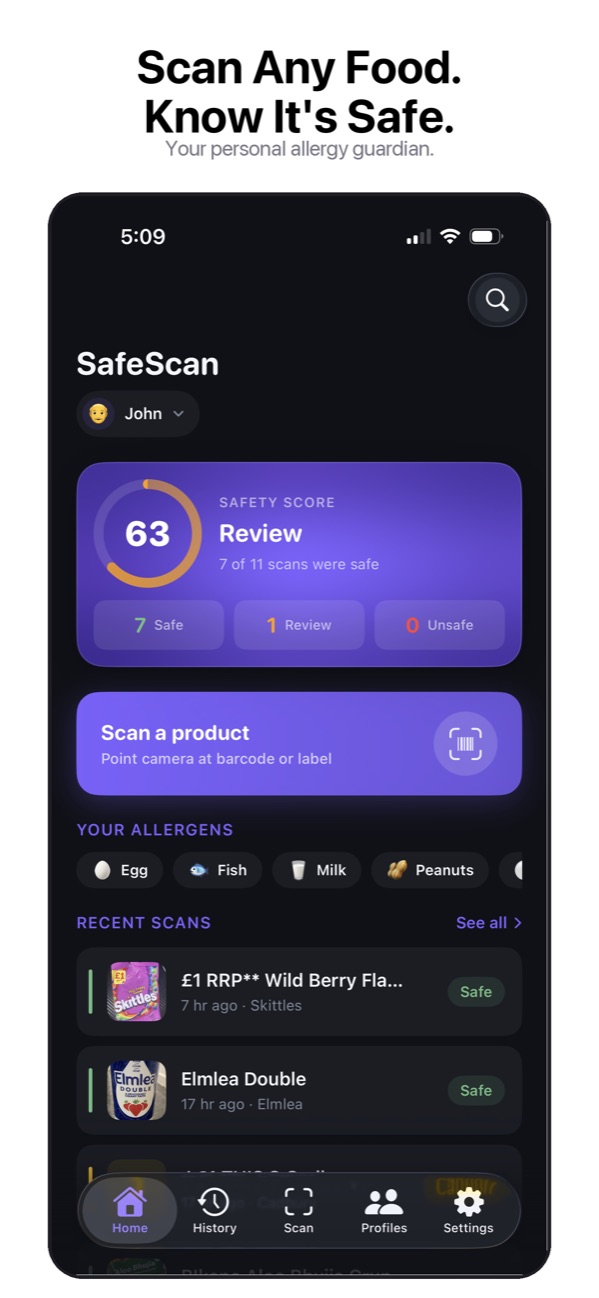
When a barcode isn't found, SafeScan shows Product not found with two options: Scan ingredient list to photograph the label, or Enter ingredients to type or paste them. Both run the full safety check against your profile. Barcode lookups use the Open Food Facts database.
This guide is general information based on US labeling rules, not medical advice. Talk to your doctor or allergist about your own allergies, and always read the label on the package in your hand.
SafeScan reads the label when the barcode fails
If a barcode isn't in the database, SafeScan lets you photograph the ingredient list. It reads the text, separates ingredients from "Contains" and "may contain" statements, and runs the same safety check.
Download on the App StoreFree to download for iPhone and iPad. No account needed, and your profiles and scan history stay on your device.
Frequently asked questions
Why do some products show the wrong ingredients?
Community databases are updated by people, and manufacturers change recipes. An entry can be incomplete or out of date. Scanning the label on the package gives you the current version.
Can I add a missing product?
Open Food Facts is a collaborative, non-profit database, and anyone can contribute product photos and data through its app or website.